
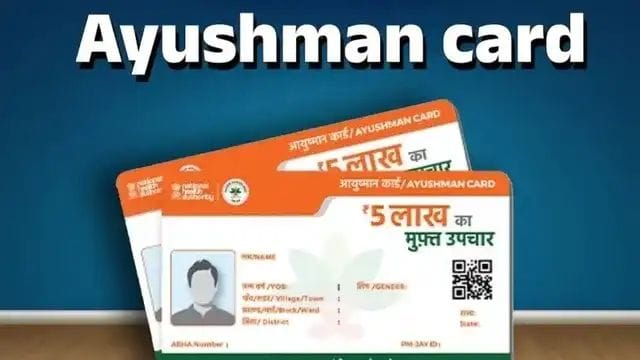

The Ayushman Bharat Pradhan Mantri Jan Arogya Yojana (AB PM-JAY) is a central government health scheme that provides eligible families with cashless medical treatment worth up to ₹5 lakh per family per year at empanelled government and private hospitals.
However, beneficiaries may need to update their Ayushman Card details to ensure their information is accurate and their eligibility can be verified. Outdated details, including name, date of birth, photograph or Aadhaar-related information, may require correction or re-verification.
Completing e-KYC helps verify a beneficiary’s identity and keep their records updated. Beneficiaries should check their current verification status to avoid potential difficulties when accessing treatment.
The e-KYC process can be completed through the official Ayushman app, allowing eligible users to verify their details from home without necessarily visiting a service centre.
Ayushman Card e-KYC: How to Update Your Details Online
Follow these steps to complete the e-KYC process:
- Download the official Ayushman App on your smartphone.
- If you want to use face authentication, install the official Aadhaar FaceRD app as well.
- Open the Ayushman app, select the Beneficiary option and log in using your mobile number and the OTP received on your phone.
- Select your state, scheme and district from the available options.
- Search for your beneficiary details using the available search options, such as your Aadhaar number or ration card number.
- Find your name in the list of family members and select e-KYC or Redo e-KYC, depending on the option displayed.
- Verify your identity using an available method, such as Aadhaar OTP or face authentication.
- Enter the required information and capture or upload a live photograph if prompted.
- Submit your request and wait for verification. The approval process may take some time, depending on the case.
- Once the verification is approved, check whether your updated Ayushman Card is available for download through the app.
Important Points to Remember
- Make sure your personal details match your official identity documents.
- Keep your registered mobile number accessible if OTP verification is required.
- Use only official government apps and portals for e-KYC.
- Check your verification status if your request remains pending.
- Complete e-KYC when required for your beneficiary record, and confirm your eligibility through official channels.
Note: Do not assume that every Ayushman Card will be suspended solely because e-KYC has not been completed. Verification requirements and eligibility conditions may vary. Beneficiaries should check their current status through official Ayushman Bharat channels before taking action.