
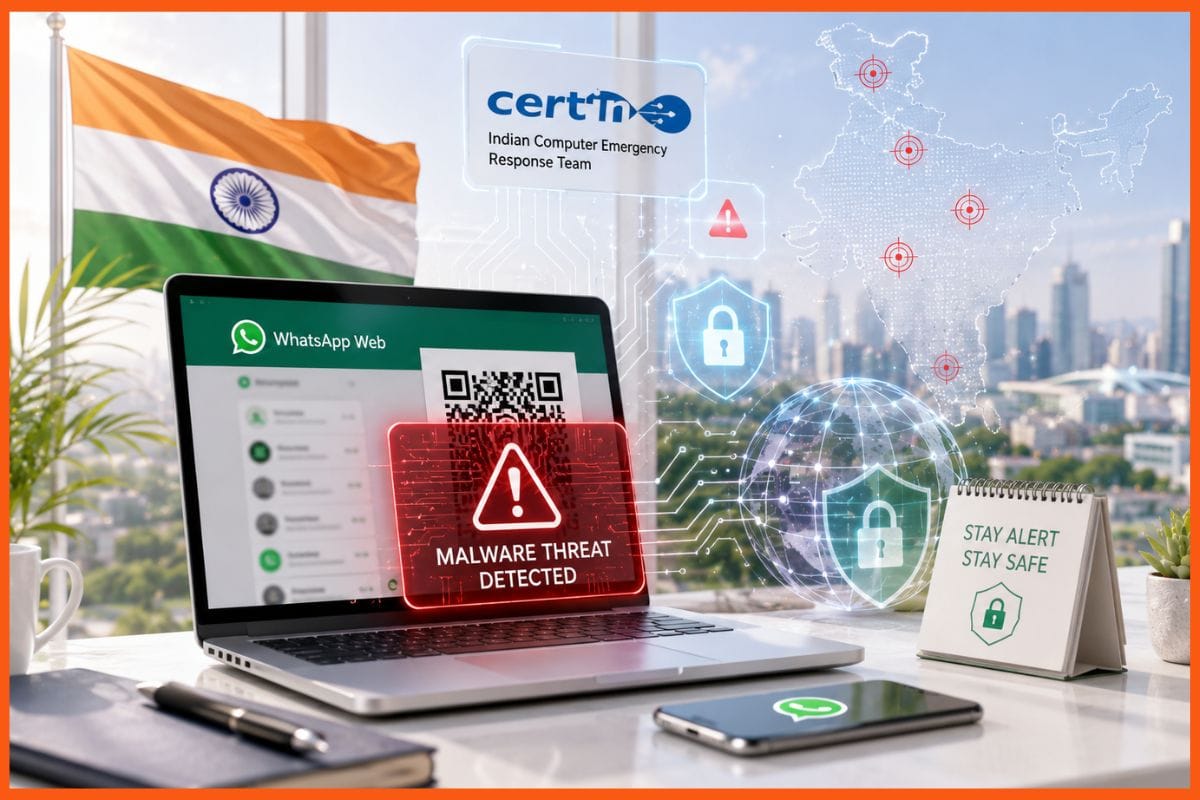
Cybersecurity agencies across Asia have raised concerns over a malware campaign targeting WhatsApp users through malicious attachments disguised as invoices, salary statements and other business documents. The files are reportedly being circulated through compromised accounts, making them appear to come from trusted contacts such as friends, colleagues and supervisors.

India’s Computer Emergency Response Team (CERT-In) has also issued an advisory warning WhatsApp Desktop and WhatsApp Web users about a large-scale malware distribution campaign. The attack could allow cybercriminals to gain remote access to devices, steal sensitive information and carry out financial fraud.
Singapore’s cybersecurity agency, SingCERT, issued an advisory on October 27 after receiving multiple reports of malicious files being shared through compromised WhatsApp accounts. It urged users to remain cautious about unexpected attachments, particularly those with .exe, .iso and .zip extensions.
On November 2, the Singapore Police Force issued a separate alert, warning that malware could be downloaded onto computers used to access WhatsApp through its desktop application or web version.
According to a report by AsiaOne, the suspicious attachments are disguised as routine business documents and carry names such as ‘Invoice 2026-09-15.iso’, ‘Statement of Account_54d3.zip’ and ‘Salary Revision.rar’. In some cases, recipients are reportedly asked to forward these files to their finance managers.
Similar incidents have also been reported in Malaysia. The Star reported on September 29 that users had shared concerns on Threads about receiving malicious ZIP files disguised as legitimate documents from apparently trusted contacts. Malaysian news outlet SAYS also reported that several users had received ZIP and RAR attachments posing as financial records, with instructions to open them on desktop or laptop computers.
Malware campaign has been active for months
The latest warnings follow a wider malware campaign disclosed by cybersecurity firm Kaspersky on June 22. The company reported that malicious VBScript files were being distributed among WhatsApp Desktop and Web users, with Malaysia recording the highest number of observed victims.
According to Kaspersky’s research, affected users were identified in Malaysia, Brazil, India, Mexico, Singapore, the UK, Spain, Taiwan, Australia, Russia and Vietnam. Security Affairs, citing the research, reported that around 80 per cent of confirmed victims were in Malaysia.
Kaspersky found that the malicious scripts eventually install remote management software, allowing attackers to gain control of infected computers. However, researchers said the exact method used to compromise WhatsApp accounts was not known at the time of the investigation.
Malaysia’s national cybersecurity response team, MyCERT, issued an alert on June 25, warning that the malware could install a remote access trojan (RAT) on affected devices. Such malware can maintain access even after a system restarts and potentially capture passwords, banking PINs and one-time passwords (OTPs).
CERT-In warns WhatsApp users in India
India’s CERT-In issued an advisory during the same period, cautioning users about a large-scale malware distribution campaign targeting WhatsApp Desktop and Web.
Based on findings from Kaspersky and Securelist, the advisory highlighted how malicious attachments sent through compromised accounts could give attackers remote access to devices.
A successful infection could enable cybercriminals to steal login credentials, access sensitive information, commit financial fraud and install additional malicious software.
The warning highlights the risks associated with opening attachments without verifying their source, even when the sender appears to be someone familiar.
How to protect yourself from WhatsApp malware
Cybersecurity agencies have advised users to follow several precautions to avoid falling victim to the campaign:
- Avoid opening unexpected attachments: Do not download or open suspicious ZIP, RAR, ISO or EXE files, even if they arrive from friends, colleagues or family members.
- Verify with the sender: Contact the person through a phone call or another trusted channel before opening an unexpected document.
- Be cautious with script files: Avoid opening files with extensions such as .vbs, .vbe, .bat, .cmd, .js and .ps1 unless their authenticity has been independently verified.
- Enable two-step verification: Add an extra layer of security to your WhatsApp account.
- Check linked devices: Regularly review the Linked Devices section in WhatsApp and log out of any unfamiliar sessions.
- Never share verification codes: Do not disclose WhatsApp verification codes, account PINs, banking passwords or OTPs to anyone.
Users should remember that a familiar sender does not necessarily mean an attachment is safe. If an account has been compromised, attackers can use it to distribute malicious files to the person’s contacts.